Computer
Set things up, review work, manage people and sites, approve paperwork, and look at charts. Investigations and formal risk assessments live here.
Inspections recorded, actions owned, contractor files current — and the field work still gets captured with no signal.
Free to start. No card needed. 14-day Pro trial when you create an organisation.
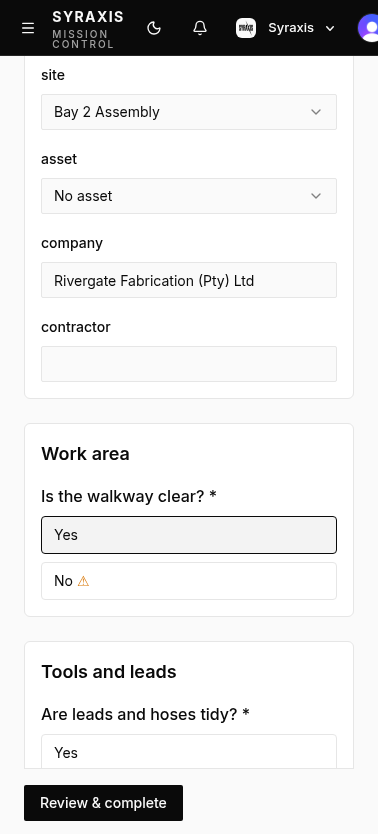
The filled-in check. This is where the field work is recorded: answers, photos, notes, signatures, location, and the name of the person who did it. When it is submitted, Syraxis produces a report.
Inspections
Something was found, so someone has to fix it. An action has a title, an owner, a due date, a priority, and a status. Actions are how findings become accountable work.
Actions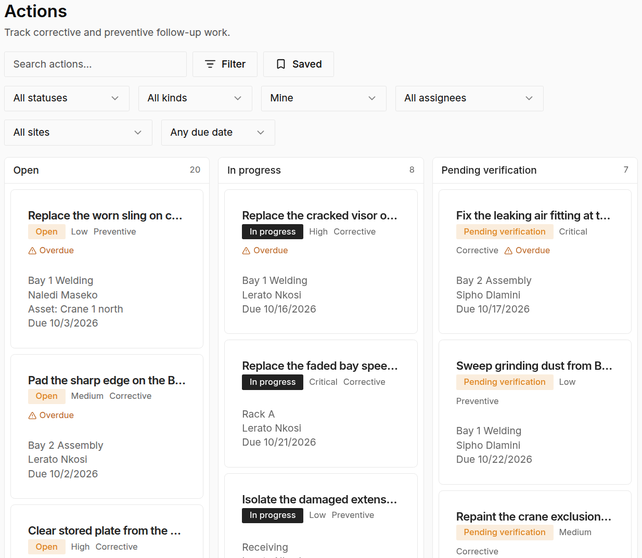
Outside companies: who they are, who to call, and whether their safety file is current.
Contractors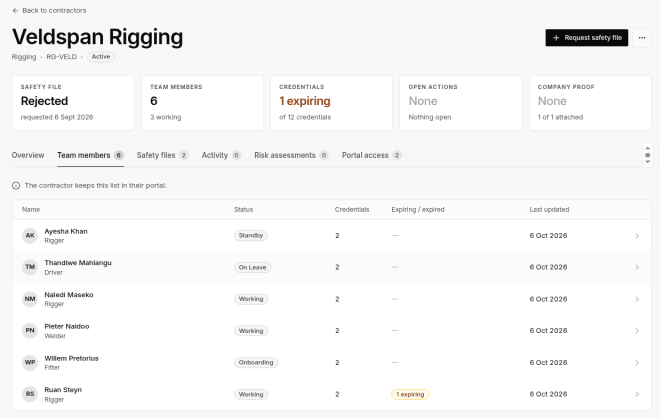
The licences and certificates a person needs before they do the work. Is this person still allowed to do this work?
Credentials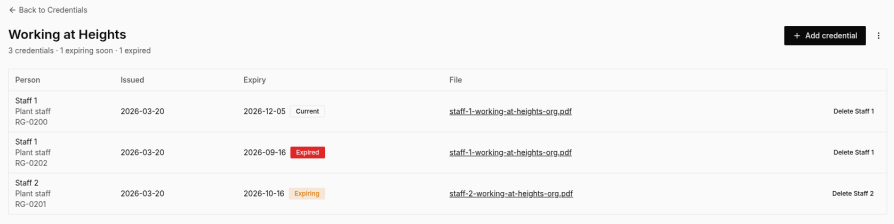
On the phone, inspections are built to work without a signal. Answers and photos stay on the device and send when the connection is back. Take 5 checks, observation photos and asset meter readings can also be captured offline.
Inspections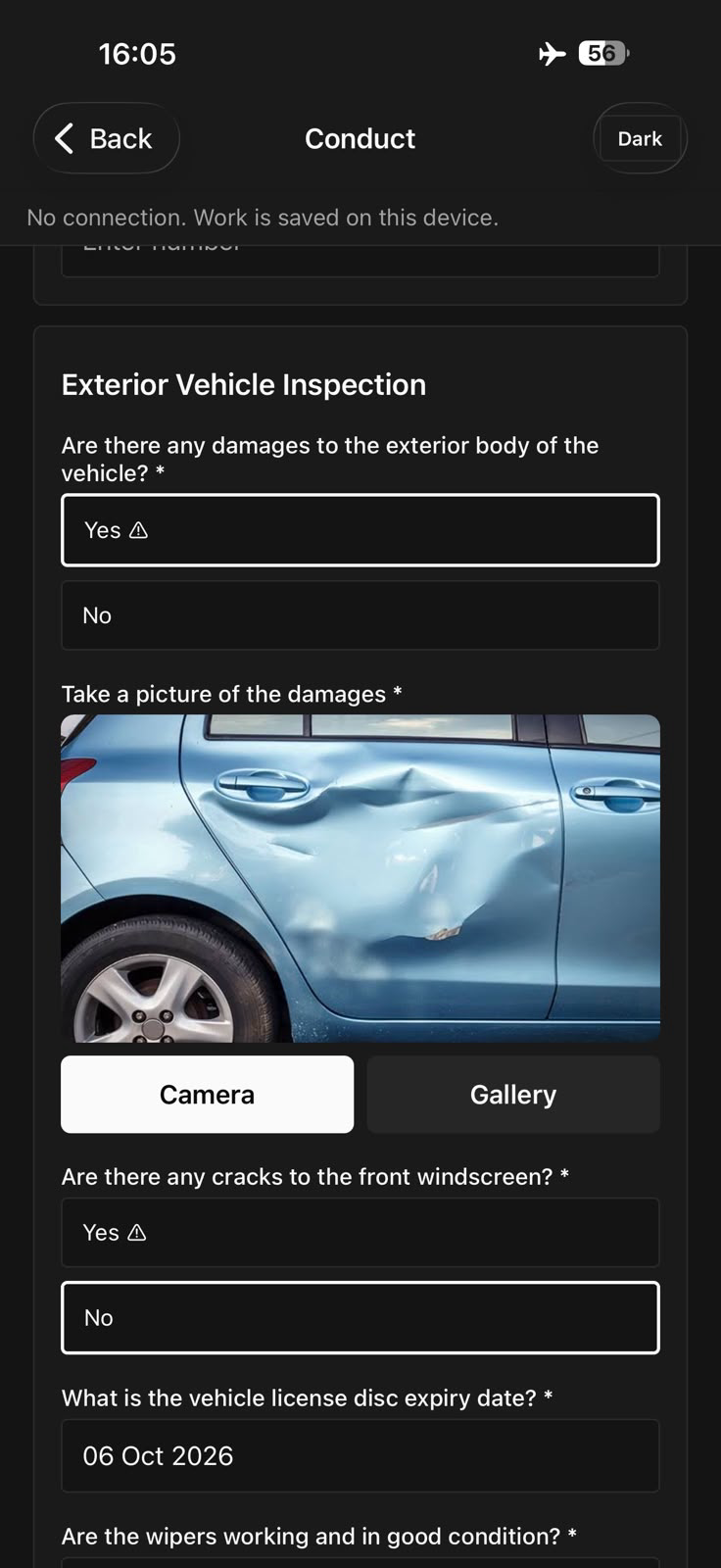
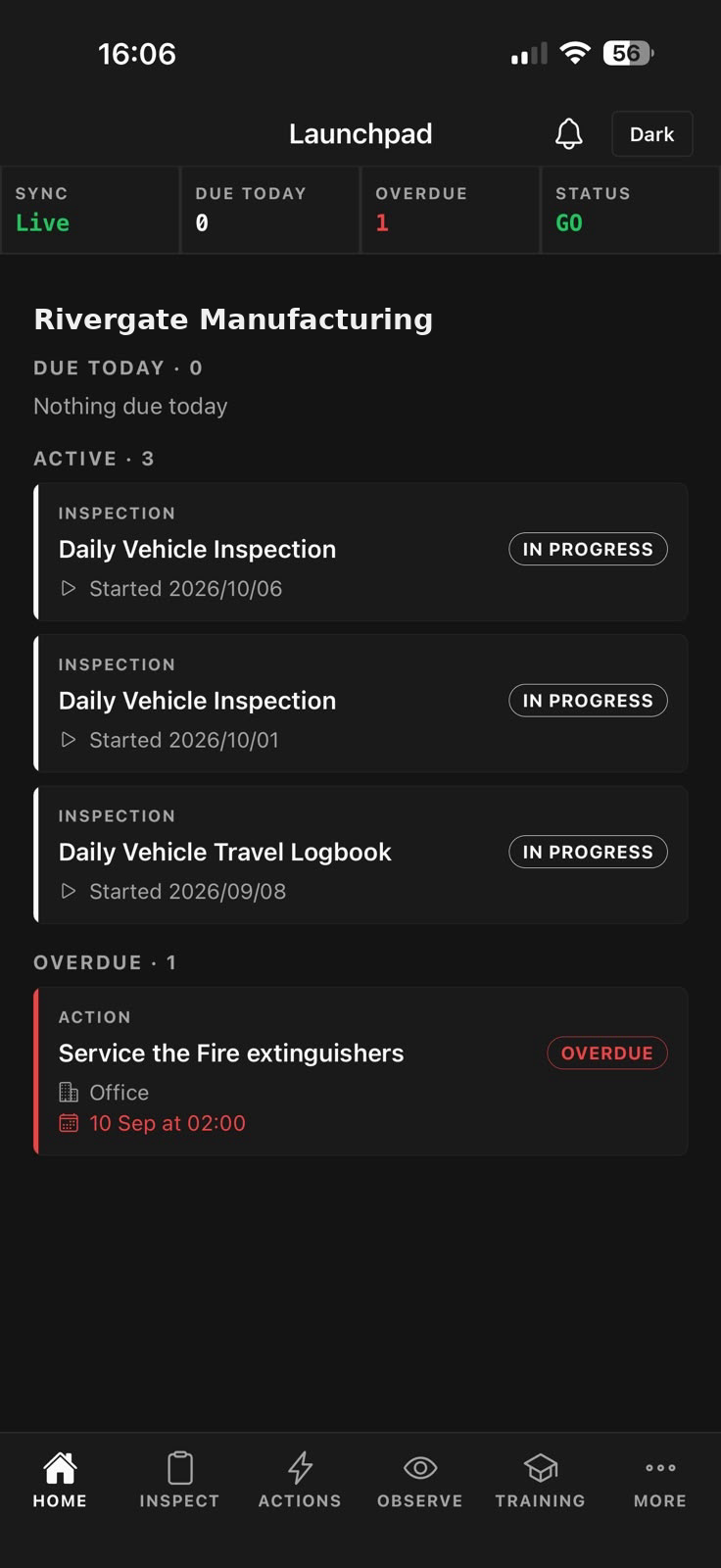
The same organisation uses one shared system. Two screens are built for different jobs.
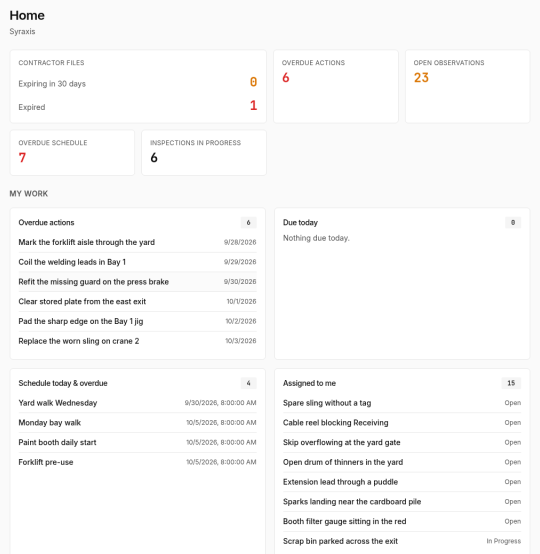
Set things up, review work, manage people and sites, approve paperwork, and look at charts. Investigations and formal risk assessments live here.
Do the work in the field: inspections, quick reports, tasks, asset scans, Take 5 checks, and assigned training. The phone keeps a local copy, so a check can be finished offline and sent when the connection returns.
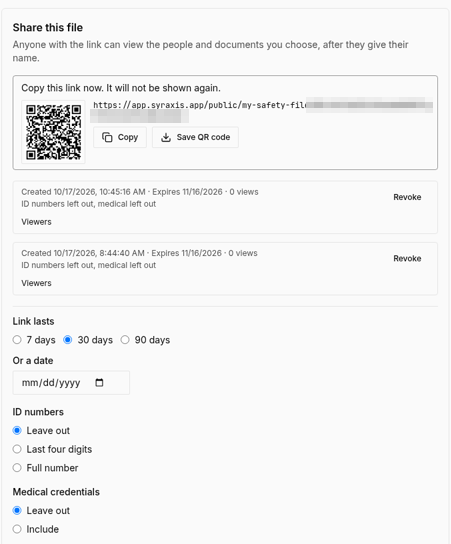
Keep your company's safety files in Syraxis, one for each site or job and as many as you need. Upload PDFs and photos (JPG or PNG). Share a file view-only with another company by link or QR code, and they don't need a Syraxis account to open it.
The modules are separate screens, but they are meant to be used as one integrated system.
All modulesA template is the blank checklist.
An inspection is that checklist filled in.
A flagged answer, a quick observation, or an incident can create an action.
A schedule makes the same check come due again, for a person, a group, or a piece of equipment.
Assets, contractors, and training hold the longer-lived records: what you own, who works for you, and who is qualified.
Investigations and risk assessments are used when the event or the hazard needs a fuller write-up.
Buzz tells people about it. Trend Town shows whether the work is actually getting done. Assurance packs the proof for a contractor, a site, or an incident.
You do not have to use every module on day one. A common starting point is templates, inspections, and actions. The others plug in as the organisation needs them.
People and groups, sites, one file store, notifications, and PDF reports with your organisation's logo, header, and footer.
Free, Standard, and Pro. Prices are in rand, per seat. No card needed to start.
Free to start. No card needed. 14-day Pro trial when you create an organisation.