Templates
The blank checklists. Everything that needs to be inspected starts here.
What it is
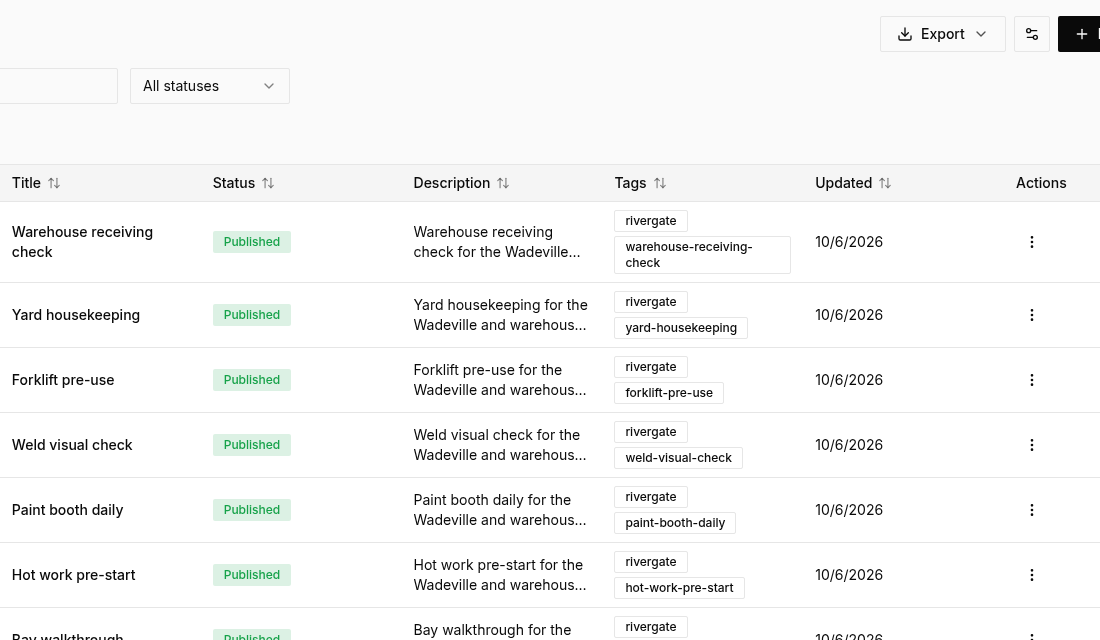
A template is a structured, reusable checklist or form that guides inspectors through a workplace, property, or equipment check so nothing is overlooked. You decide what questions are asked, what kind of answer is expected, which questions are required, and how the finished report should look. People do not fill in a template. They start an inspection from one.
Building templates
Templates are built on the computer, in a visual editor. Start from scratch or from a library of ready-made checklists, then change them. Templates can be organised in folders, renamed, copied, archived, or limited to certain people.
A template can include
- A title page for the place, the person, the date, the site, the asset, and the contractor company
- Sections that group the questions
- Question types: text, number, date, time, multiple choice, checkbox, photo, signature, location, and barcode or QR scan
- Rules that show or hide a later question based on an earlier answer. For example, a photo question appears only if the answer is No.
- Flagged answers, so a particular choice is marked as a problem that needs a follow-up action
- A setting that blocks completion until a follow-up task has been raised for every flagged item
- A link from a number question to an equipment meter, so the reading is saved on the asset when the inspection is completed
Created and edited on the computer. Used on the phone and the computer whenever someone starts an inspection. A published template can also show a link and a QR code so a phone can open it quickly.
Start with templates, inspections, and actions.
Free to start. No card needed. 14-day Pro trial when you create an organisation.