On this page
Add a contractor company
You will create a contractor company with its type and site.
AdminSite ManagerAll plans
What you'll need
- Admin or Site Manager role.
- Optional: company types set up under Company types.
Steps
- 1
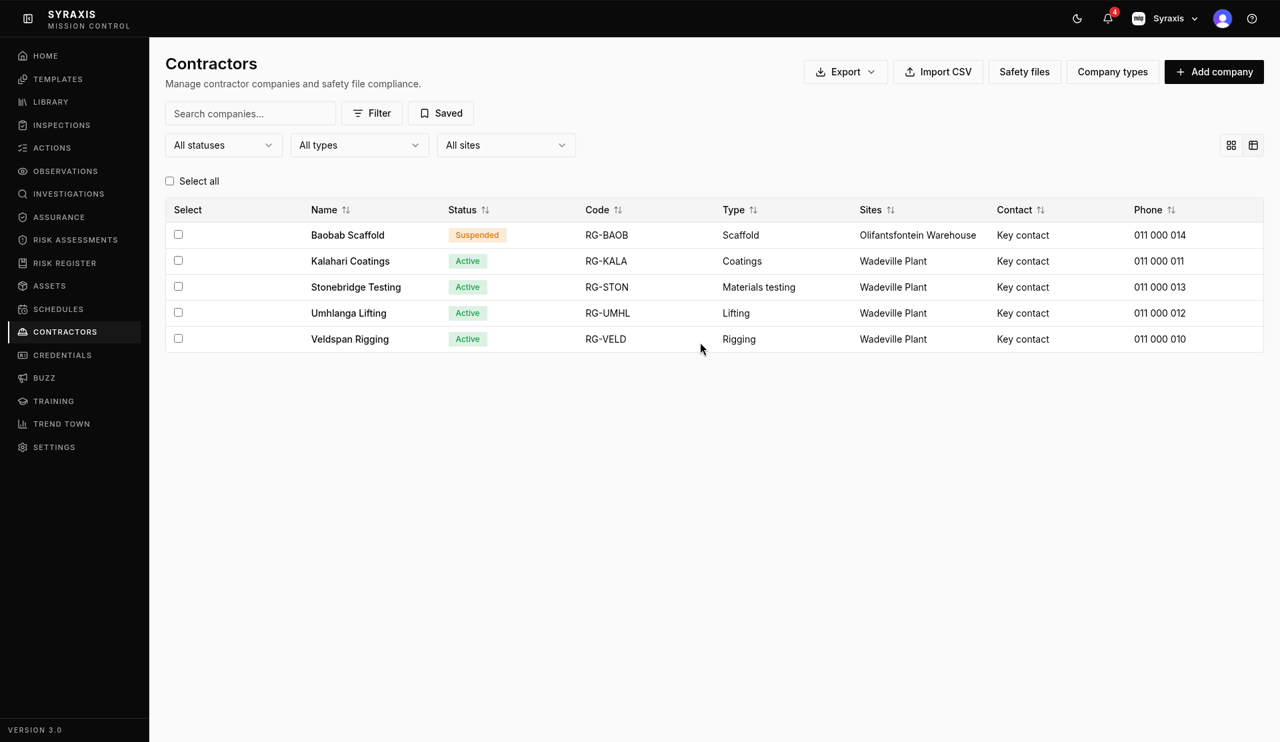
Open Contractors and select Add company.
 1
1 - 2
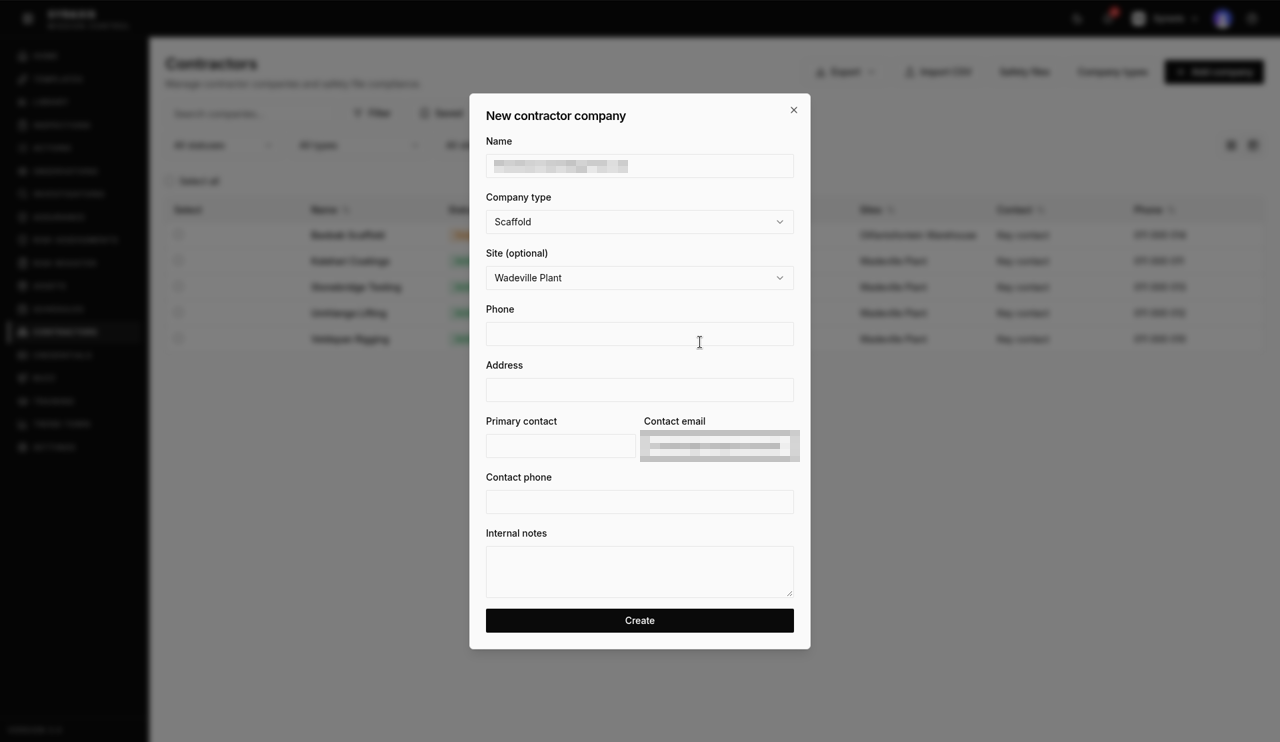
Enter the Name, for example Acme Electrical, and choose the Company type.
 2
2 - 3
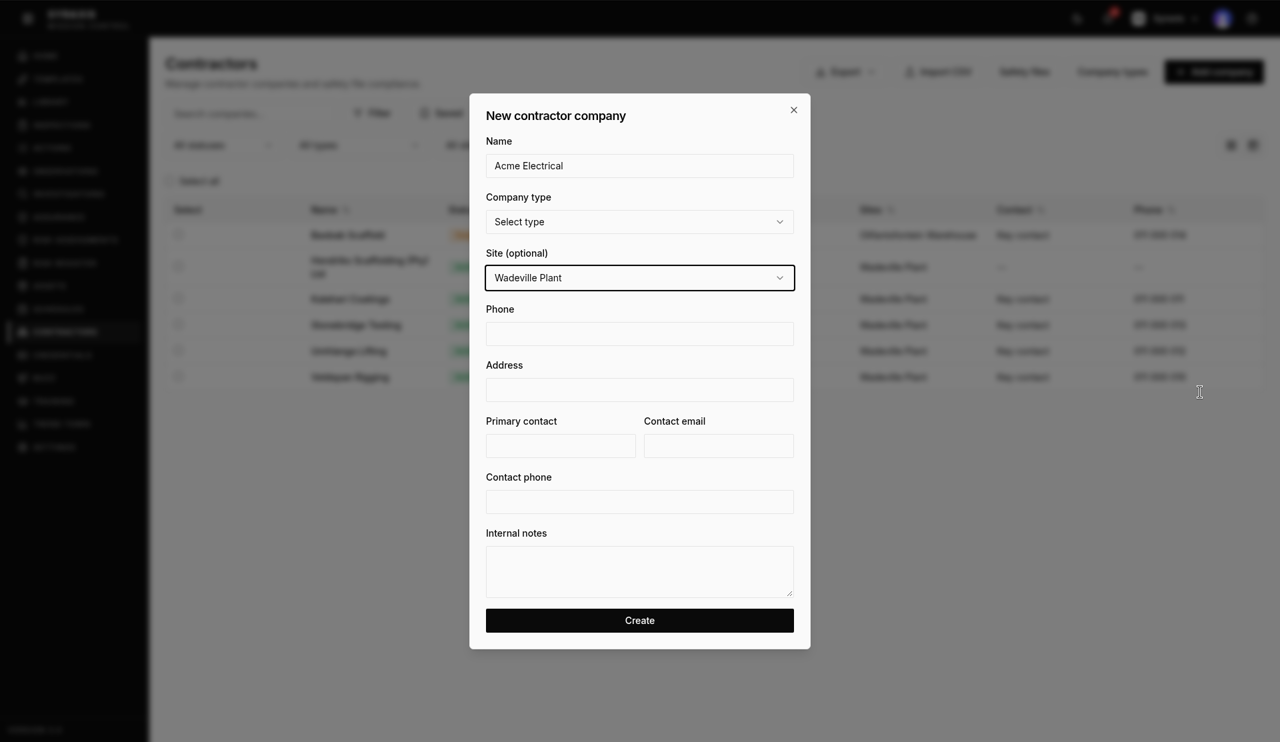
Choose the Site (optional), for example Wadeville Plant.
 3
3 - 4
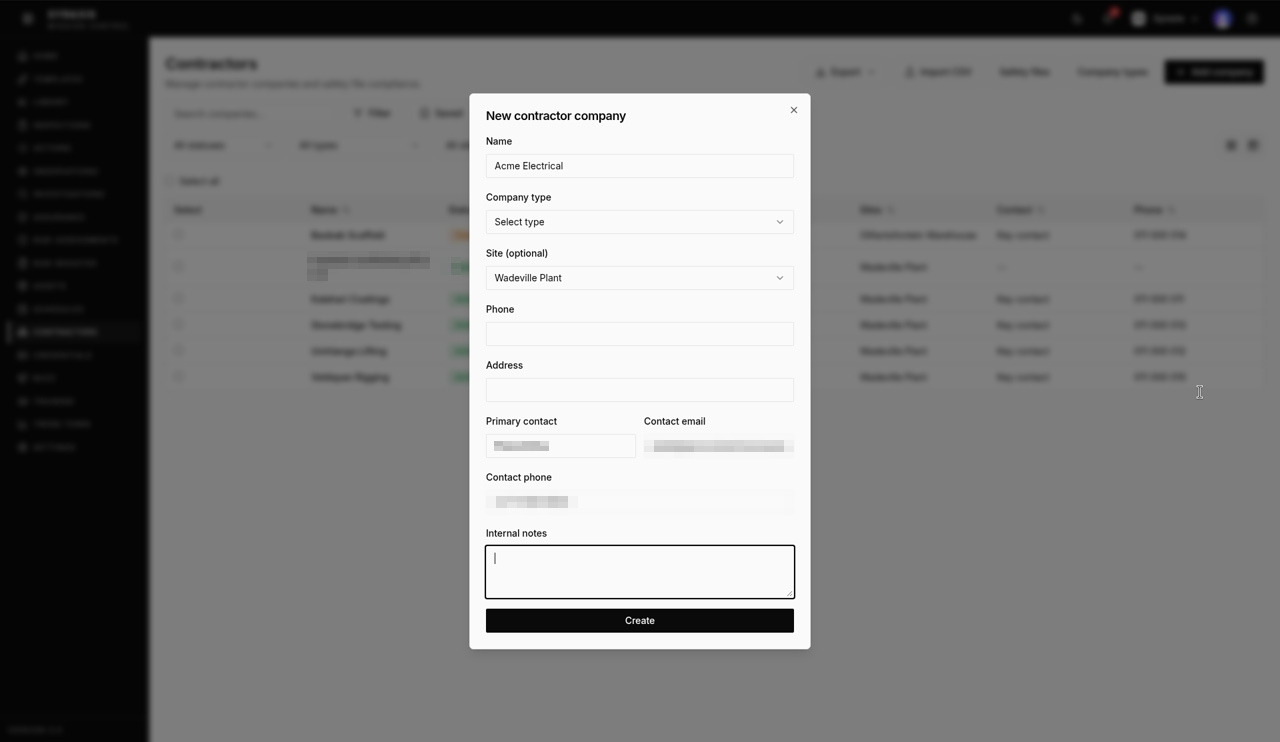
Enter the Primary contact.
 4
4 - 5
Enter the Contact email.
5 - 6
Enter the Contact phone.
6 - 7
Select Create.
7 - 8
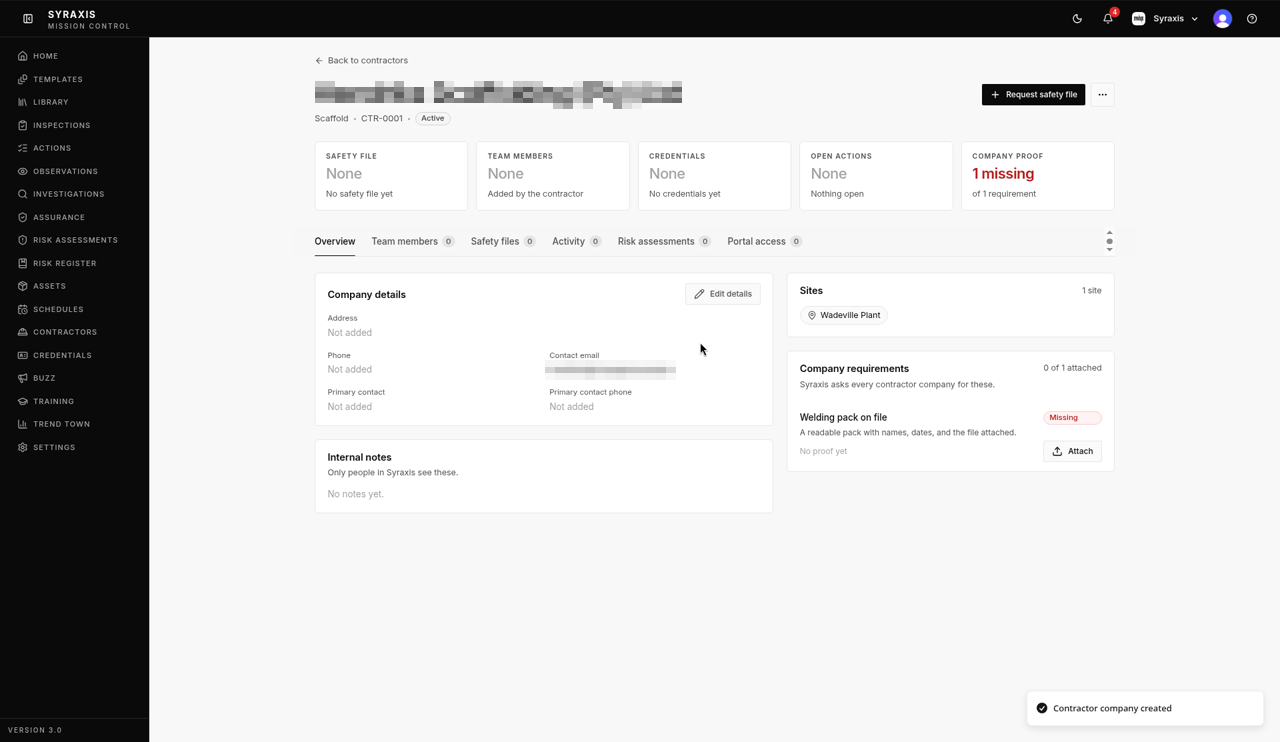
Open the company and check that Status on Overview shows Active.
 8
8
Tip
Got lots of companies? Select Import CSV, then Download template. Fill it in, select Choose File, then select Import N companies.
What's next
- Invite contractors Invite a key contact to the contractor portal.
Was this helpful?Thanks for telling us.
Still stuck?
Send us a message and tell us what you were trying to do. A screenshot helps.
Contact usUpdated 13 Oct 2026